
From work emails and video calls to online classes and late-night scrolling, our eyes spend more time on screens than ever before. By evening, many of us notice tired, dry or burning eyes, blurred vision or headaches. This is often called digital eye strain. The encouraging news is that a few changes to your habits and workspace can make your eyes feel much more comfortable.
Why screens tire our eyes
When we look at a screen, our eyes focus at a fixed distance for long periods. We also blink much less than usual while concentrating, which lets the surface of the eye dry out. Glare, poor lighting, tiny fonts and screens placed at awkward angles add to the strain.
Common signs of eye strain
- Tired, heavy or aching eyes
- Dryness, burning or a gritty feeling
- Watery eyes
- Blurred vision after screen use
- Headaches, often around the forehead or temples
- Neck and shoulder stiffness
Follow the 20-20-20 rule
This simple habit is easy to remember. Every 20 minutes, look at something about 20 feet away for at least 20 seconds. It gives your focusing muscles a break. Set a gentle reminder, or tie it to natural pauses such as sending an email or finishing a task.
Blink more often
It sounds too simple, but conscious blinking helps keep your eyes moist. Every so often, close your eyes gently for a couple of seconds, then blink slowly a few times. If you spend long hours in air-conditioned rooms, dryness can be worse, so keep this habit going.
Set up your screen properly
- Distance: Keep your computer screen about an arm's length away.
- Height: The top of the screen should be at or slightly below eye level, so you look slightly downwards.
- Brightness: Match screen brightness to the room. A screen that is much brighter or darker than its surroundings is harder on the eyes.
- Text size: Increase font size so you are not squinting or leaning forward.
- Contrast: Dark text on a light background is usually easiest to read for long periods.
Fix the lighting
- Avoid sitting with a bright window directly behind or in front of your screen.
- Use curtains or blinds to reduce glare during the day.
- Do not work in a dark room with only the screen lit up.
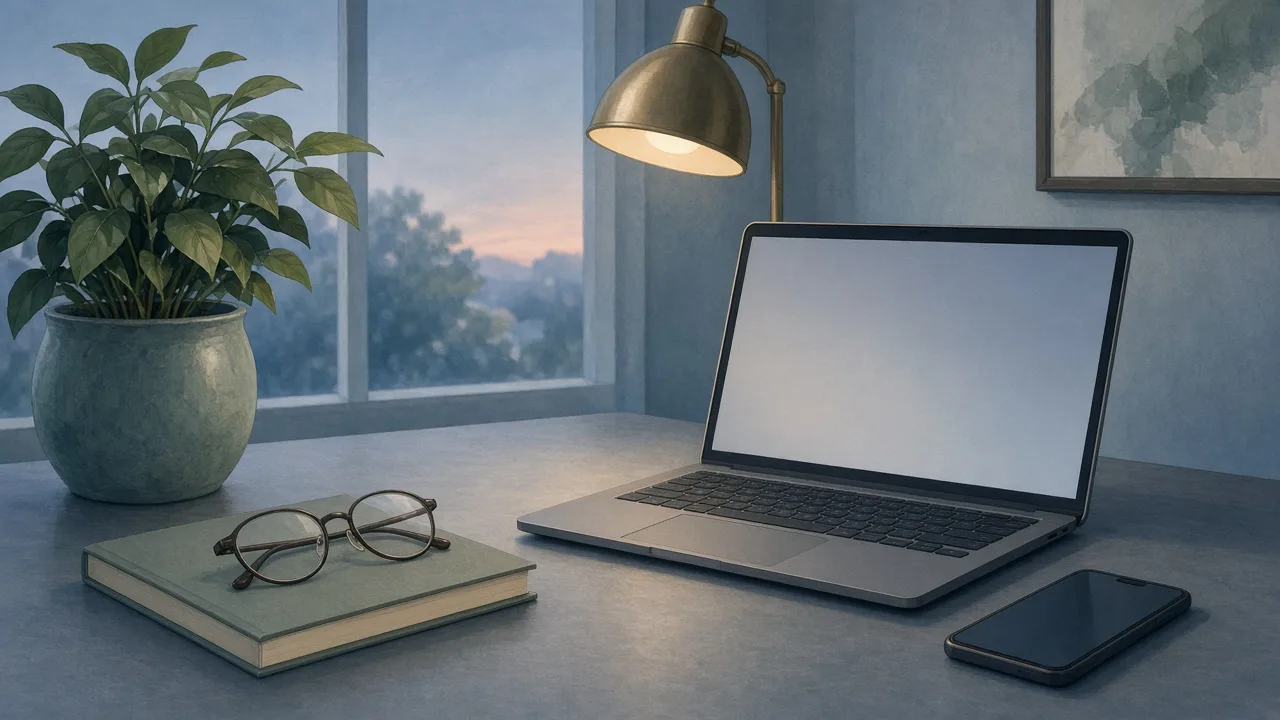
- A soft desk lamp positioned to the side can reduce contrast.
Be smart with phones
Phones are held closer than computers and often used in dim light.
- Hold your phone a little further from your face.
- Avoid reading on the phone in a completely dark room.
- Use night mode or reduced brightness in the evening.
- Take regular breaks from scrolling, and keep the phone away at mealtimes.
Give your eyes real breaks
Short breaks every hour help, but longer breaks away from screens matter too. Step outside, look at greenery or the sky, and let your eyes relax. For children, outdoor play is especially important and is thought to support healthy eye development.
Support overall eye health
- Eat well. Leafy greens, carrots, fruits, nuts, eggs and fish are part of a diet that supports overall health, including your eyes.
- Stay hydrated, which also helps with dryness.
- Sleep enough so your eyes can rest and recover.
- Do not rub your eyes forcefully, especially with unwashed hands.
Get regular eye check-ups
Uncorrected vision problems make screen strain much worse. If you already wear glasses, an outdated prescription can cause discomfort. Adults who use screens heavily should get their eyes checked periodically, and children should have regular check-ups too, particularly if they complain of headaches or sit very close to the television.
Small habits, comfortable eyes
Screens are here to stay, but eye strain does not have to be. The 20-20-20 rule, conscious blinking, a well-placed screen, good lighting and regular breaks can make long days easier on your eyes.
Note: This article offers general guidance only; if you have persistent eye pain, redness or changes in vision, please consult an eye specialist.