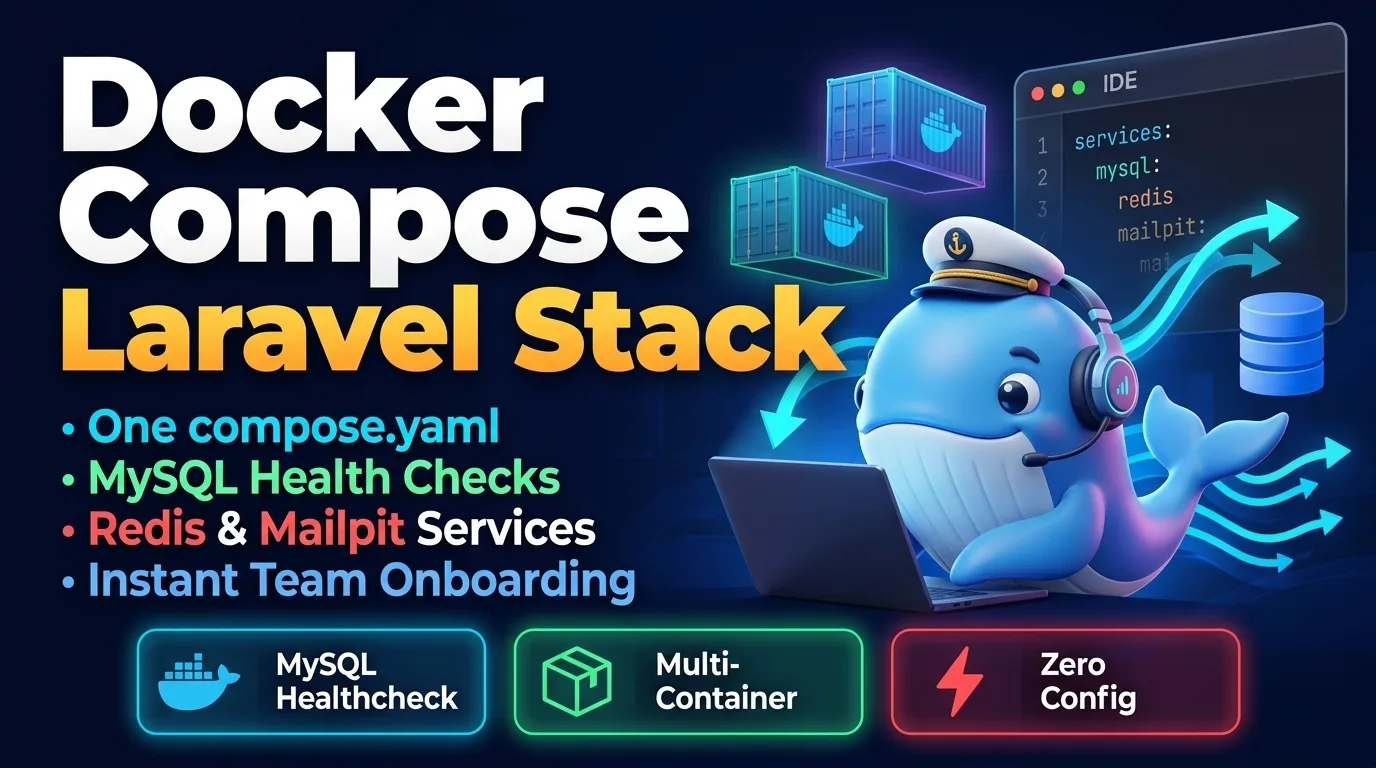
"Works on my machine" is a funny phrase until a new developer spends their first two days installing the right PHP extensions. A small, well-understood Docker Compose file fixes that: everyone runs the same PHP, the same MySQL and the same Redis, and onboarding becomes git clone followed by one command.
Laravel Sail is an excellent official option and the right default for many teams. The setup below is for when you want to own every line of the configuration — to match production more closely, add services Sail doesn't ship, or simply understand what's running.
The shape of the stack
Four containers, each doing one job:
- app — PHP-FPM with the extensions Laravel needs, plus Composer.
- nginx — serves static files and passes PHP requests to
app. - mysql — MySQL 8.4 with a named volume so data survives restarts.
- redis — cache, sessions and queues.
Containers on the same Compose network reach each other by service name, so Laravel connects to mysql and redis as hostnames. No IP addresses, no localhost confusion.
The PHP image
The official PHP image is deliberately minimal. We add the extensions Laravel commonly uses, the phpredis extension, and copy Composer in from its own image instead of downloading an installer:
FROM php:8.3-fpm-alpine

RUN apk add --no-cache icu-dev libzip-dev \
    && apk add --no-cache --virtual .build-deps $PHPIZE_DEPS \
    && docker-php-ext-install pdo_mysql intl zip bcmath opcache \
    && pecl install redis \
    && docker-php-ext-enable redis \
    && apk del .build-deps

COPY --from=composer:2 /usr/bin/composer /usr/bin/composer

WORKDIR /var/www/html
The build tools needed to compile extensions go into a virtual package group and are removed in the same layer, which keeps the image noticeably smaller.
The compose file
Modern Compose no longer needs a version: key, and the file is conventionally named compose.yaml. The important detail is the health checks: depends_on with condition: service_healthy makes the app wait until MySQL actually accepts connections, not merely until its container has started.
services:
  app:
    build:
      context: .
      dockerfile: docker/php/Dockerfile
    volumes:
      - .:/var/www/html
    depends_on:
      mysql:
        condition: service_healthy
      redis:
        condition: service_healthy

  nginx:
    image: nginx:1.27-alpine
    ports:
      - "8080:80"
    volumes:
      - .:/var/www/html
      - ./docker/nginx/default.conf:/etc/nginx/conf.d/default.conf:ro
    depends_on:
      - app

  mysql:
    image: mysql:8.4
    environment:
      MYSQL_DATABASE: ${DB_DATABASE}
      MYSQL_USER: ${DB_USERNAME}
      MYSQL_PASSWORD: ${DB_PASSWORD}
      MYSQL_ROOT_PASSWORD: ${DB_ROOT_PASSWORD:-secret}
    ports:
      - "3307:3306"
    volumes:
      - mysql-data:/var/lib/mysql
    healthcheck:
      test: ["CMD", "mysqladmin", "ping", "-h", "127.0.0.1"]
      interval: 5s
      timeout: 5s
      retries: 20

  redis:
    image: redis:7-alpine
    healthcheck:
      test: ["CMD", "redis-cli", "ping"]
      interval: 5s
      timeout: 3s
      retries: 10

volumes:
  mysql-data:
Compose automatically reads a .env file in the project directory for variable substitution — the same file Laravel uses. That means the database credentials are defined exactly once. MySQL is published on port 3307 so it doesn't collide with a MySQL server already running on your laptop, while containers still talk to it on 3306.
MYSQL_USER must not be root — the image creates root separately and will refuse to start. Use an app-specific user like horizon.The nginx site
server {
    listen 80;
    root /var/www/html/public;
    index index.php;

    location / {
        try_files $uri $uri/ /index.php?$query_string;
    }

    location ~ \.php$ {
        fastcgi_pass app:9000;
        fastcgi_param SCRIPT_FILENAME $realpath_root$fastcgi_script_name;
        include fastcgi_params;
    }
}
Wiring Laravel and starting it up
Point Laravel at the service names. Because we installed phpredis, the default Redis client works without extra packages:
DB_CONNECTION=mysql
DB_HOST=mysql
DB_PORT=3306
DB_DATABASE=horizondesk
DB_USERNAME=horizon
DB_PASSWORD=secret

REDIS_HOST=redis
CACHE_STORE=redis
SESSION_DRIVER=redis
QUEUE_CONNECTION=redis
Then build and boot everything:
docker compose up -d --build
docker compose exec app composer install
docker compose exec app php artisan key:generate
docker compose exec app php artisan migrate --seed

# Follow logs from every service
docker compose logs -f
Open http://localhost:8080 and you're running. To add a queue worker, copy the app service, name it queue, and give it command: php artisan queue:work --tries=3. It reuses the same image, so there's nothing new to build.
Common snags
- Permission errors on
storage/— on Linux hosts, the container'swww-datauser may not match your user ID. Build the image with a user that matches your UID, or fix ownership ofstorageandbootstrap/cacheonce. - Slow file access on macOS and Windows — bind mounts cross a virtualisation boundary. Keeping the project inside the WSL 2 filesystem on Windows makes a large difference.
- Stale config — if you cached config on the host, run
php artisan config:clearinside the container.
The best local environment is the one a new teammate can start without asking you a single question.
Commit the Dockerfile, the compose file, the nginx config and an .env.example with these values. Your next hire's first day will be spent reading code instead of debugging extensions.